


The Radio in your house stores different The Weather Channel broadcasts that you can discover while exploring Elderfield. We’ve verified 10 named broadcasts and 10 unlock locations during our playthrough, including characters hidden in the Sewers, Catacombs, Old Woods and other easily missed areas.
This guide was made possible thanks to Kwalee, who provided us with a key for Welcome to Elderfield so we could explore the game and prepare our review and guides.


How The Weather Channel works in Welcome to Elderfield
Inside your house, you’ll find a Radio that allows you to listen to The Weather Channel. Despite the name, the station isn’t limited to normal weather reports: its broadcasts also cover the strange events, residents and general weirdness surrounding Elderfield.
As you explore the game, you can unlock new broadcasts. In the locations we’ve verified during our playthrough, this happens by finding and talking to certain characters scattered around the world.
When you’ve successfully unlocked one, a message appears on screen confirming that a new Weather Channel broadcast has been unlocked. You can then return home and listen to the recording through the Radio.
The Weather Channel broadcasts we’ve verified
During our playthrough, we’ve unlocked and verified the following 10 named broadcasts:
The Weather Channel itself also appears in the Radio menu, but we don’t count the station entry as one of these 10 named recordings.
Where to unlock The Weather Channel broadcasts
Below you’ll find the 10 unlock locations we’ve verified during our playthrough. Some of these characters are surprisingly easy to miss, especially those found away from the game’s main routes.
1. Rooftop of Greystone Apartments
Enter Greystone Apartments and make your way to the top of the building.
On the upper rooftop, you’ll find a man you can talk to. Finish the conversation and you’ll unlock another recording for The Weather Channel.
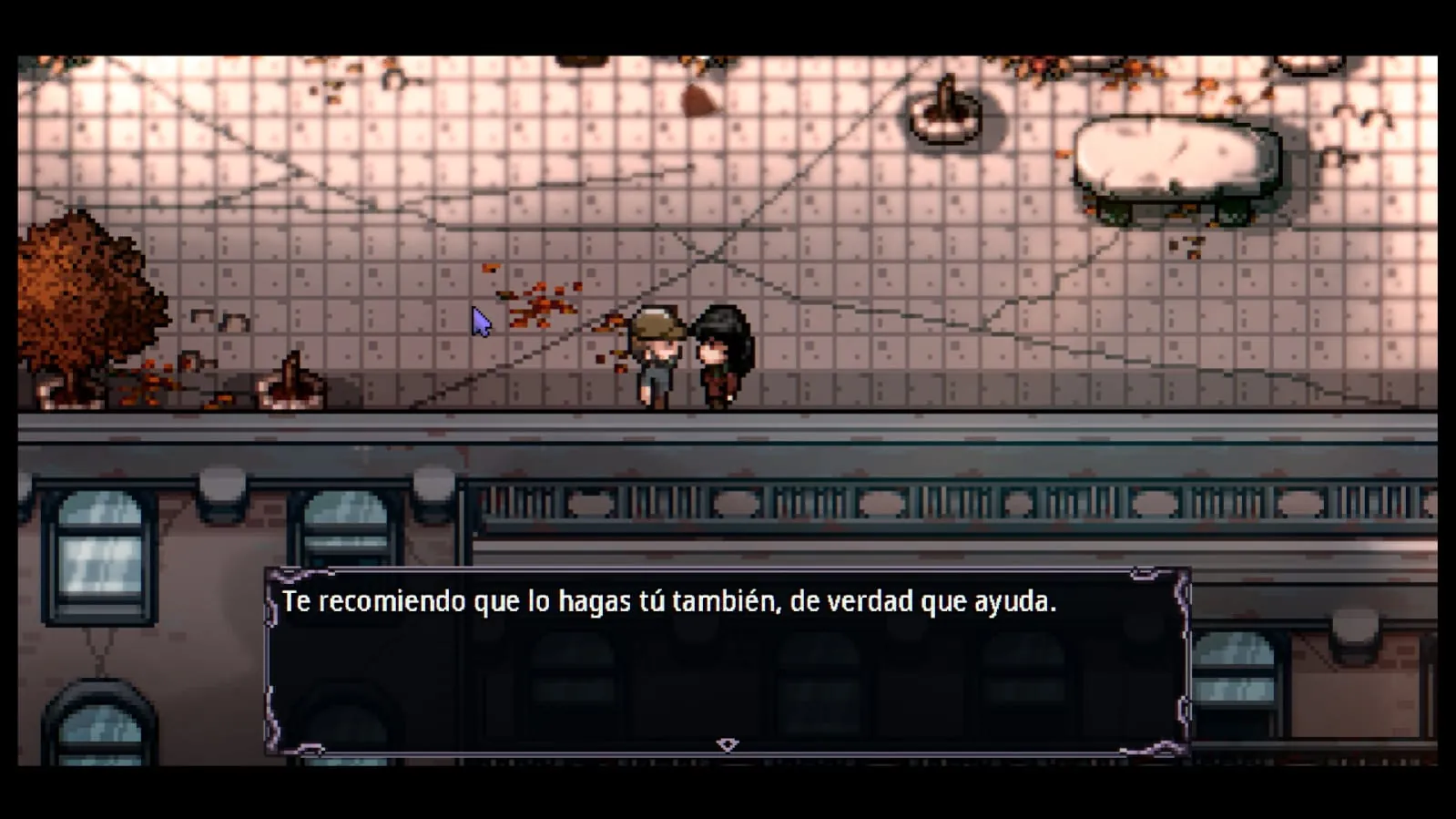 Talk to the man on the upper rooftop of Greystone Apartments.
2. Road to the Farm, near Molly’s forge
Head towards the Farm. Along the way, around the area where Molly’s forge is located, look for a skull you can interact with.
Talk to it and wait for the notification confirming that a new Weather Channel broadcast has been unlocked.
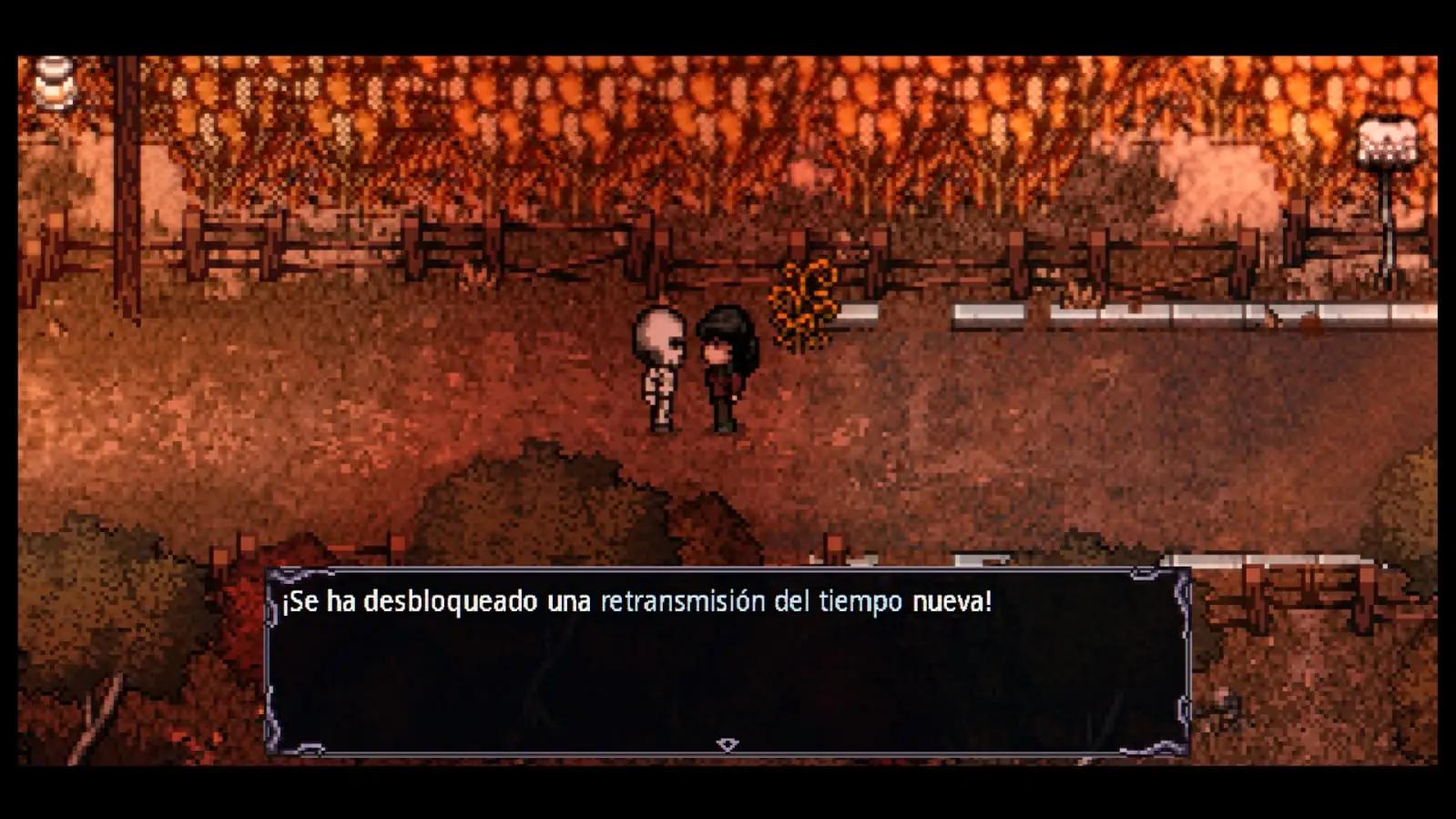 Look for this skull on the road toward the Farm.
3. Old Woods entrance, next to Tanner’s house
This character is found practically at the entrance to the Old Woods, close to Tanner’s house.
Look for the jogger in the area and talk to him. At the end of the conversation, the game will notify you that you’ve unlocked another Weather Channel broadcast.
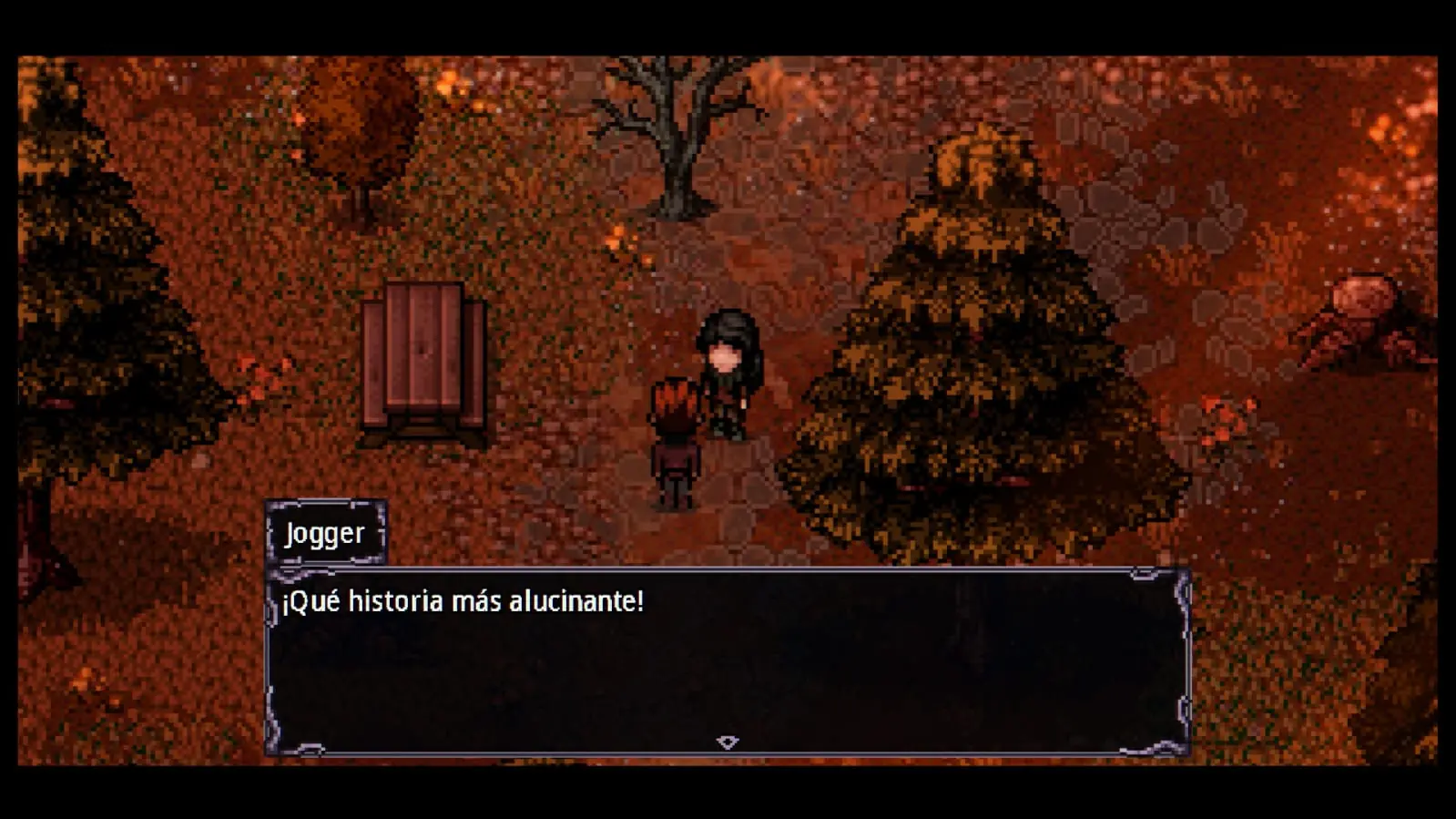 The jogger can be found close to Tanner’s house at the entrance to the Old Woods.
4. Woman around the Mall
Explore the area around the Mall and look along the left-hand side for a woman walking around outside.
Talk to her when you find her to unlock another recording for the Radio.
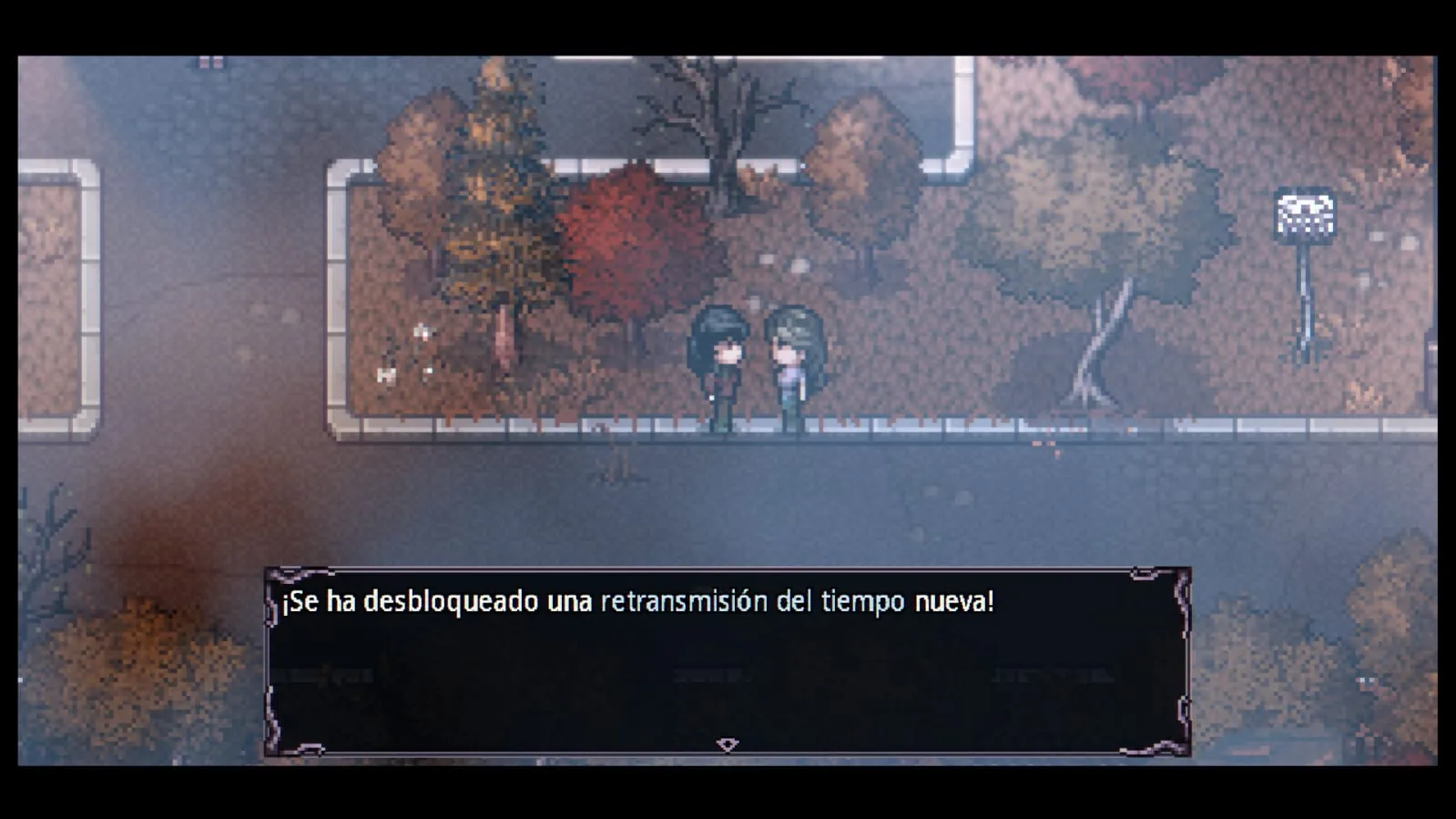 One of the broadcasts is unlocked by talking to this woman around the Mall.
5. Old Woods, next to the Bus Stop
There’s another character connected to The Weather Channel deeper inside the Old Woods.
Head toward the Bus Stop and search the surrounding area. Talk to the character you find here to unlock another broadcast.
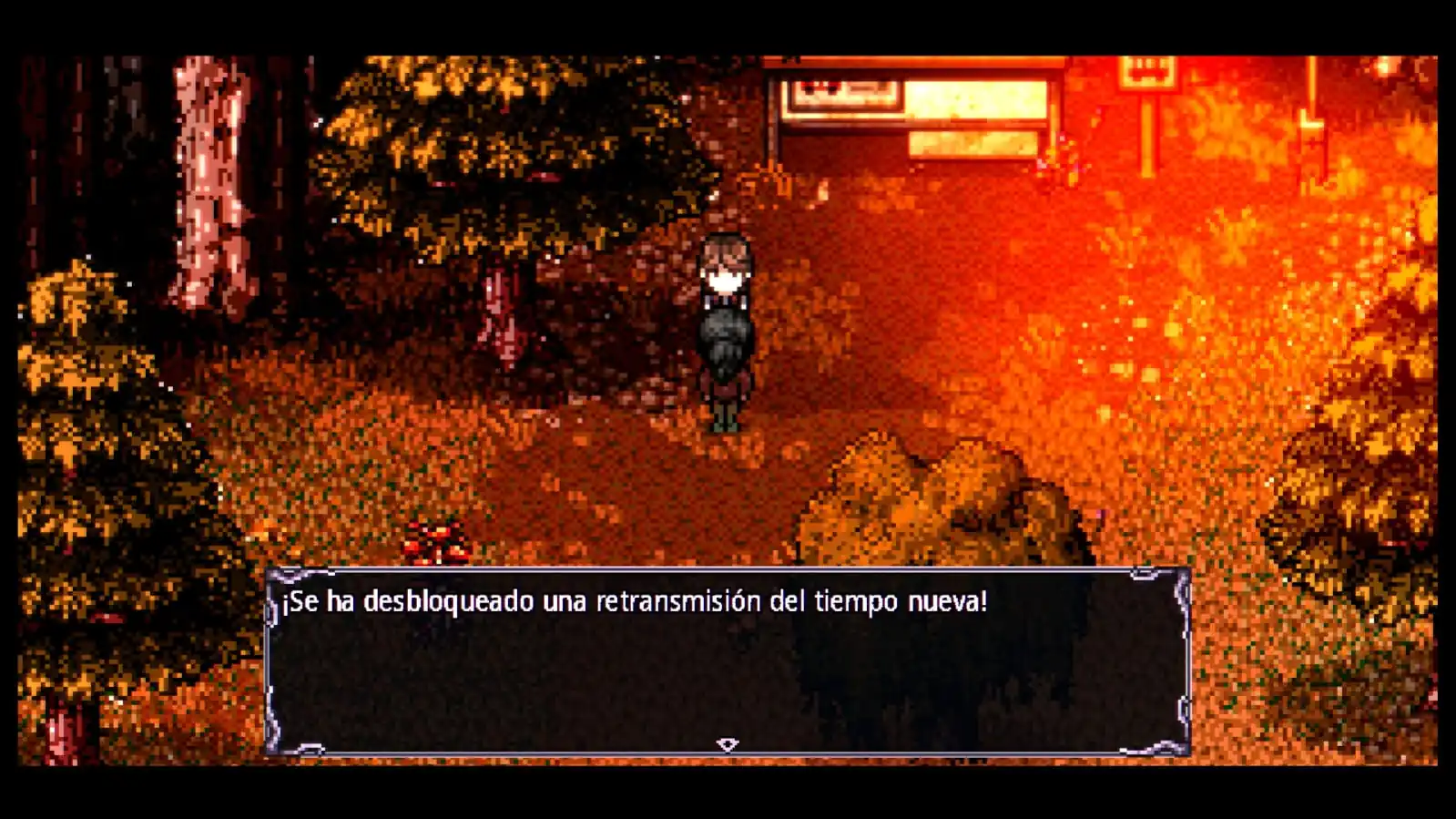 Search around the Bus Stop in the Old Woods for another broadcast unlock.
6. Sewers: entrance to the right of Greystone Apartments
Enter the Sewers using the entrance located to the right of Greystone Apartments.
Once inside, head west. You’ll eventually find another character you can talk to in order to unlock a broadcast.
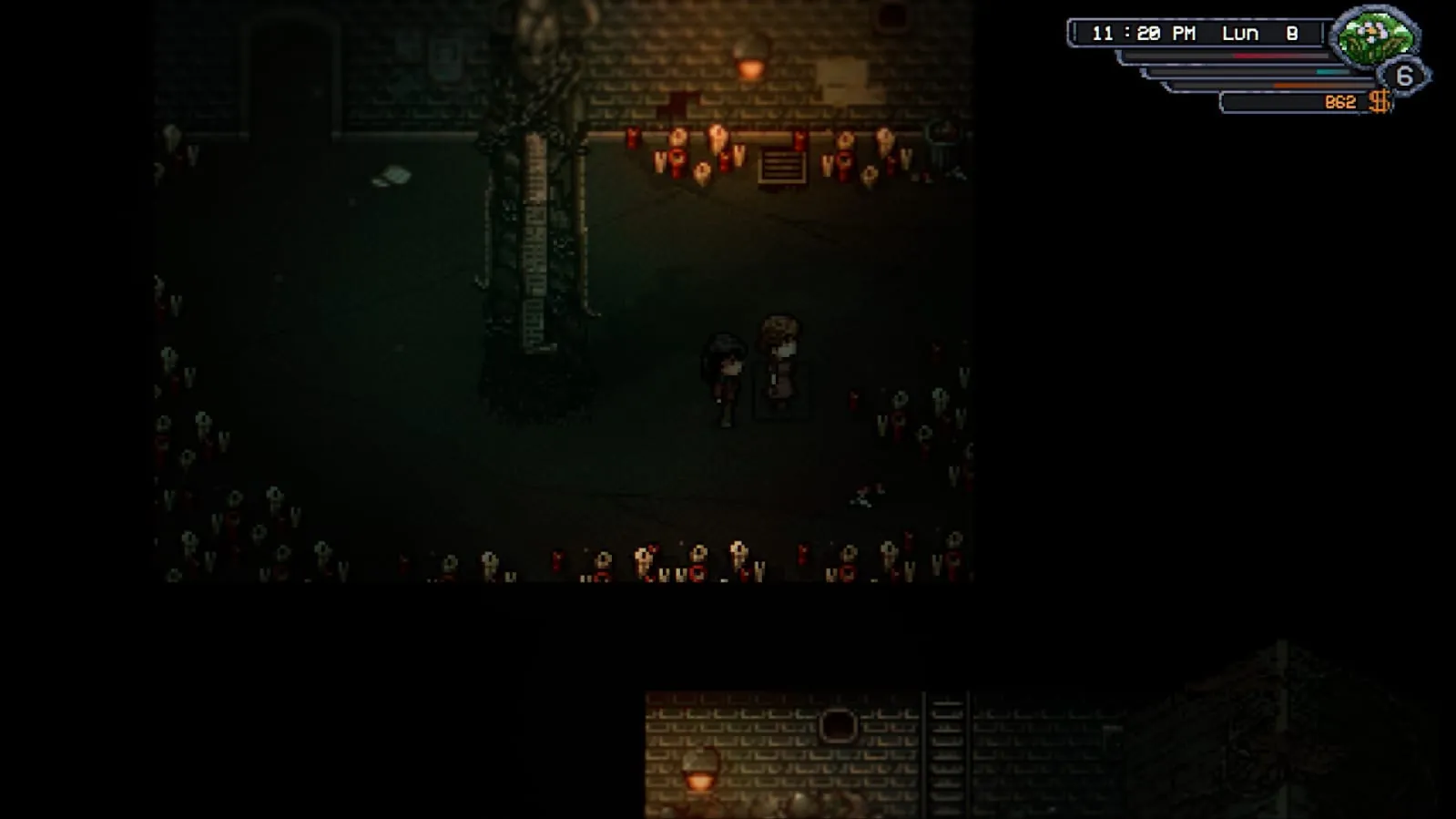 Use the Sewer entrance to the right of Greystone Apartments and head west.
7. Sewers: entrance below the General Store
For the next unlock, return to the Sewers, but this time use the entrance located below the General Store.
Explore this section of the Sewers and talk to the character you find there. Finishing the conversation unlocks another recording.
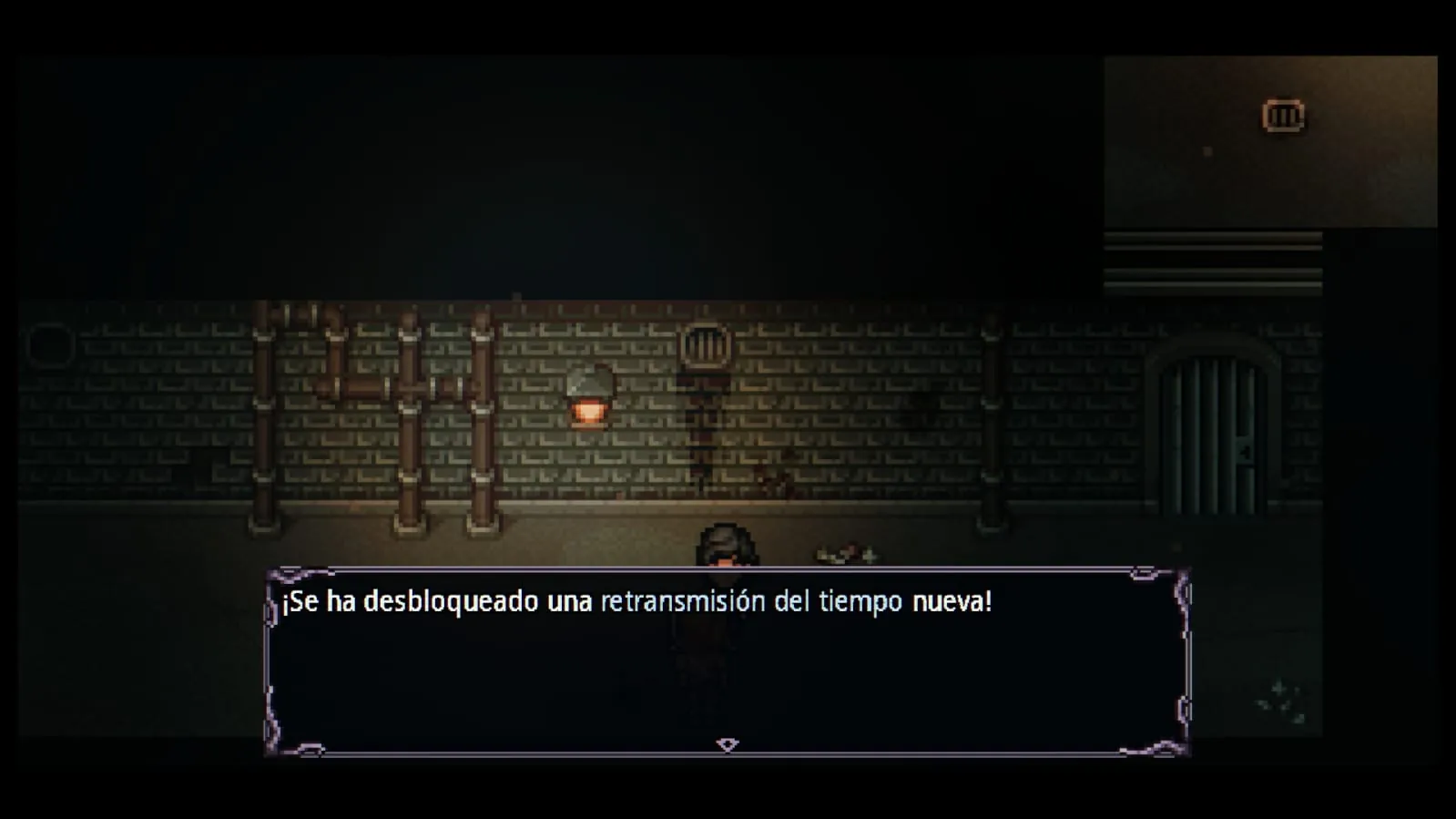 Another broadcast is hidden in the Sewers below the General Store.
8. Catacombs, south of the entrance
There’s also a Weather Channel unlock hidden in the Catacombs.
From the entrance, head south until you find a character with a skull for a head. Talk to them and wait for the notification confirming that you’ve unlocked another broadcast.
 Head south from the Catacombs entrance and look for this character.
9. Library and Church area
Head to the northwestern part of Town, around the Library and Church.
You don’t need to enter the Library. Search outside, near the houses in this part of Town, and you’ll find a skeleton next to the path.
Talk to it to unlock another Weather Channel recording.
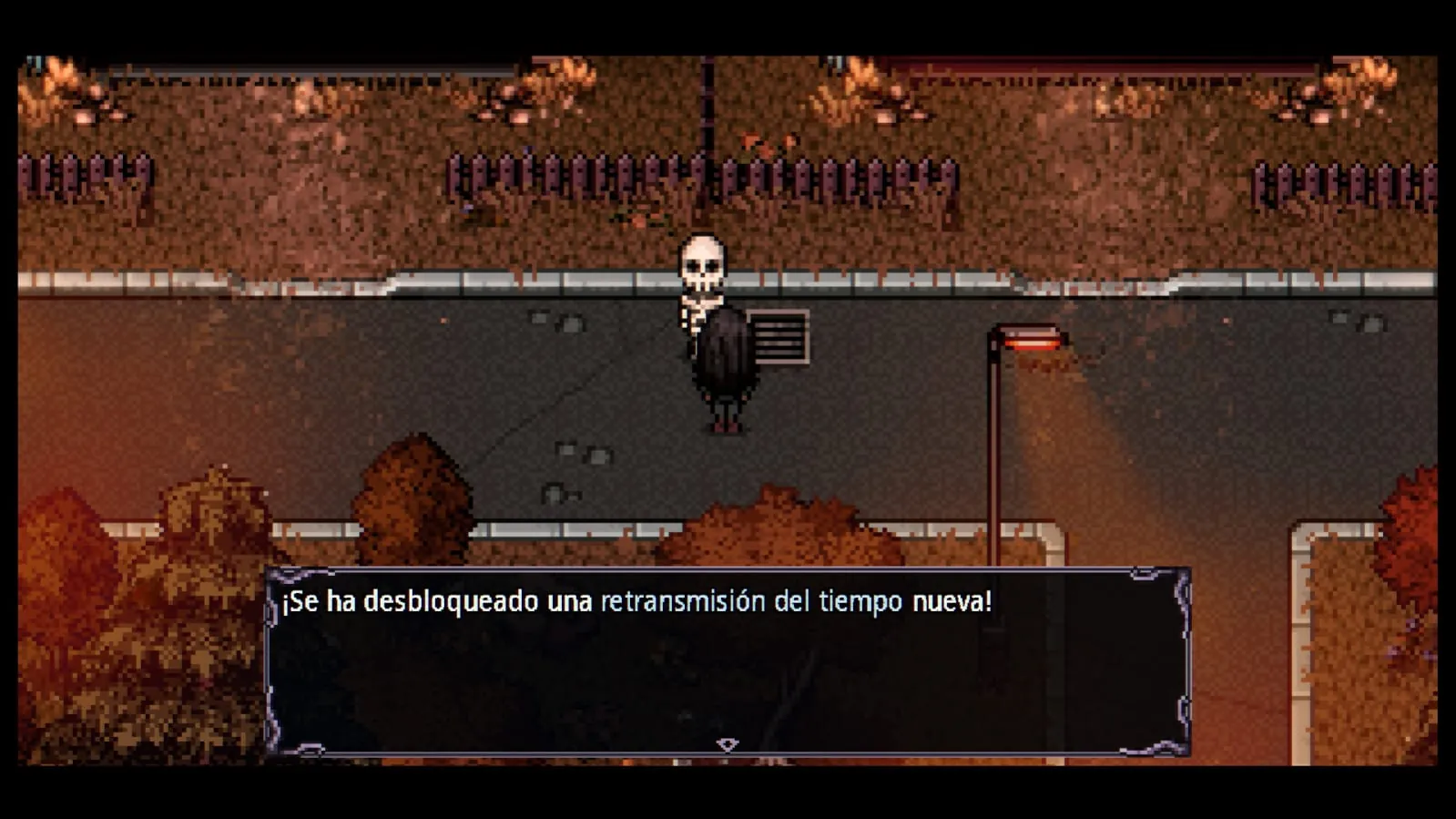 Look for the skeleton outside in the Library and Church area.
10. Mall, near the entrance
The final unlock location on our current list is inside the Mall, and thankfully you won’t need to explore its maze of corridors to find it.
Stay near the entrance and the first shop. Talk to the woman you find in this part of the building to unlock another Weather Channel broadcast.
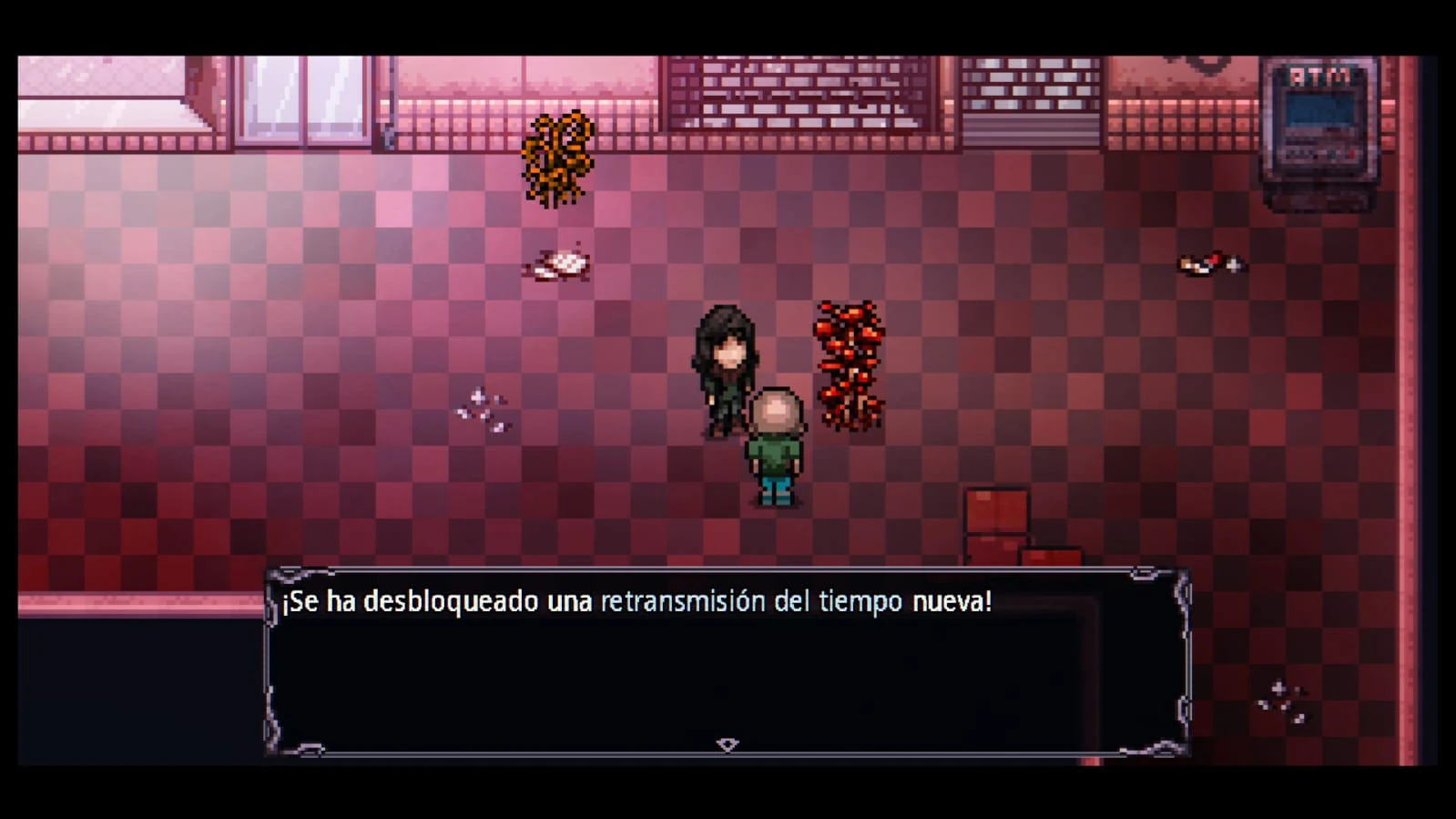 This woman can be found close to the Mall entrance and first shop.
Welcome to Elderfield Weather Channel FAQ
How many Weather Channel broadcasts are there in Welcome to Elderfield?
We’ve personally found and verified 10 named broadcasts: Pumpkin Carving, Clear Skies, Skeletal Remains, Neighborhood Watch, Dog Days, Road Closed, Love, Mark’s Wizard, Spiders and The Jogging Club. We don’t currently treat 10 as a definitive total for the entire game, so we’ll update this guide if we discover more.
Does The Weather Channel itself count as another broadcast?
We don’t count it among our 10 named recordings. The Weather Channel appears as the station itself in the Radio menu, while the individual recordings are listed separately.
Where is The Weather Channel in Welcome to Elderfield?
You can access The Weather Channel through the Radio inside your house. As you unlock recordings while exploring Elderfield, you can return to the Radio and listen to them again.
How do I know when I’ve unlocked a new broadcast?
For the 10 locations in this guide, after talking to the corresponding character, a message appears on screen confirming that a new Weather Channel broadcast has been unlocked.
Where can I listen to broadcasts I’ve already unlocked?
Return home and interact with the Radio. The recordings you’ve unlocked can be selected there.
Do I need to collect any items for these 10 broadcasts?
Not for the 10 unlock locations we’ve verified in this guide. We obtained these by finding and talking to the corresponding characters.
Which Weather Channel unlocks are easiest to miss?
Pay particular attention to the Sewers, Catacombs, Greystone Apartments and Old Woods. Several of the characters are away from the routes you’ll normally follow while completing quests.
Are The Weather Channel and TV News the same thing?
No. The Weather Channel is accessed through the Radio, while the television has its own news system connected to special events around Elderfield.
We’ve currently verified 10 Weather Channel broadcasts and 10 unlock locations across Elderfield. Several are easy to miss because their characters are hidden in places such as the Sewers, Catacombs and Old Woods, so it’s worth talking to unusual NPCs whenever you find them.
We’ll keep this guide focused on the broadcasts and unlock locations we’ve actually verified in the game and update it if we discover additional recordings.

Medios amigos

Un medio de videojuegos dedicado a los RPGs.